> ## Documentation Index
> Fetch the complete documentation index at: https://docs.fireflo.au/llms.txt
> Use this file to discover all available pages before exploring further.
# Signing in
> There is no password. You enter your email address, follow a link that works once, and land on your account — and the same answer comes back whatever happened.
The portal has no password. You give the email address your operator holds for your account, and a
one-time link arrives by email.
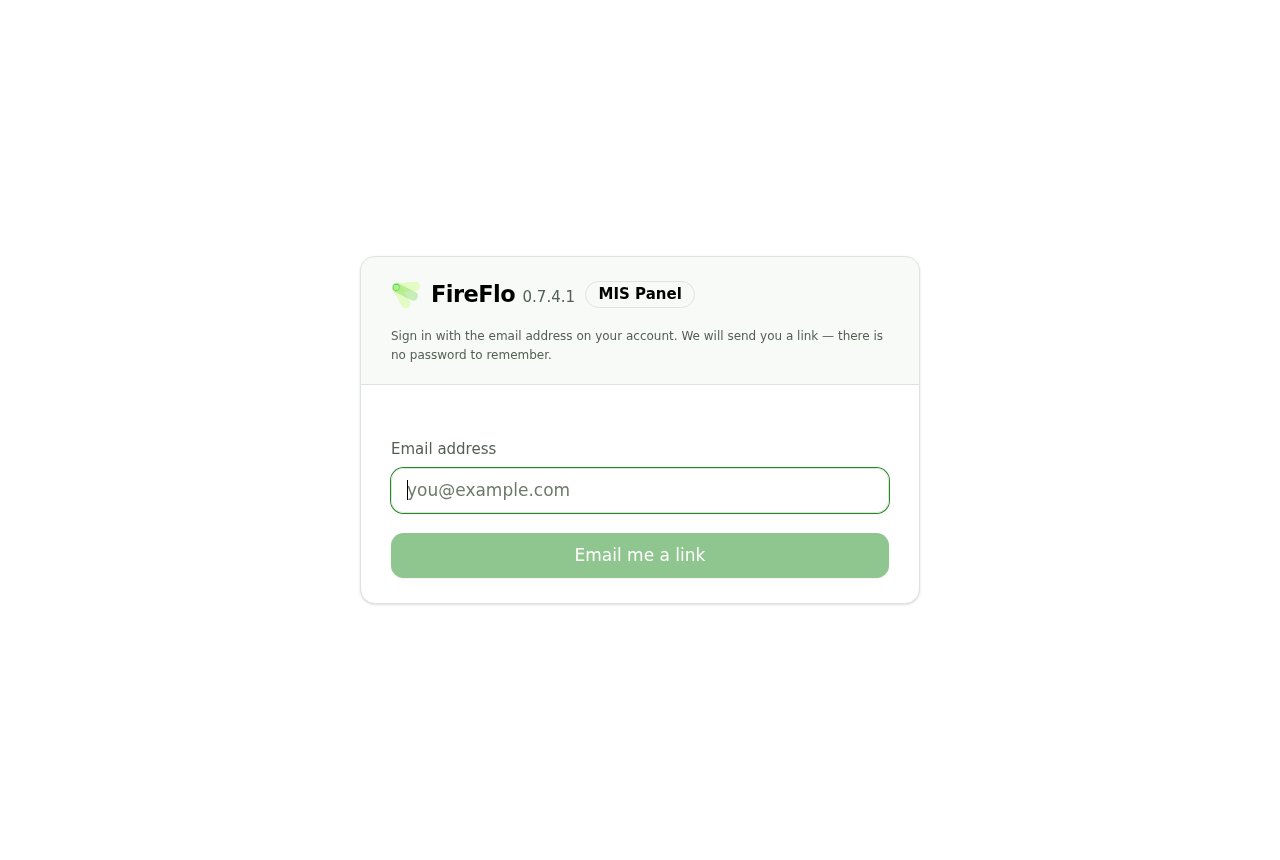 > Sign in with the email address on your account. We will send you a link — there is no password to
> remember.
## What happens next
Whatever you typed, the screen says the same thing:
> **Check your inbox.** If that address is on an account, a sign-in link is on its way. It works once
> and expires in 15 minutes.
**That answer does not change if the address is wrong.** It is identical for an address on an
account, an address on a disabled account, and an address that has never been seen.
This is deliberate. A form that said "no such account" would let anyone test a list of addresses and
learn who your provider's customers are. The cost of that protection is that a typo looks exactly
like success — so if nothing arrives, check the address before assuming a fault.
Two controls sit beneath it. **Send it again** is disabled for two minutes and counts down; the timer
survives a page reload and corrects itself when you come back from your mail client, rather than
showing a stale number. **Use a different address** returns you to an empty form.
> Nothing after a minute or two? Check the spam folder, then send it again — the newest link is the
> one that works.
That last clause matters: requesting a second link does not leave the first one valid. Follow the
most recent email.
## Following the link
The link signs you in and lands you on **Overview** — not on your messages, because the first
question after signing in is usually "how are things", not "show me row 4,000".
If the link has already been used, or is more than fifteen minutes old:
> **That link did not work.** Sign-in links work once and expire after 15 minutes. Ask for a new one.
> Sign in with the email address on your account. We will send you a link — there is no password to
> remember.
## What happens next
Whatever you typed, the screen says the same thing:
> **Check your inbox.** If that address is on an account, a sign-in link is on its way. It works once
> and expires in 15 minutes.
**That answer does not change if the address is wrong.** It is identical for an address on an
account, an address on a disabled account, and an address that has never been seen.
This is deliberate. A form that said "no such account" would let anyone test a list of addresses and
learn who your provider's customers are. The cost of that protection is that a typo looks exactly
like success — so if nothing arrives, check the address before assuming a fault.
Two controls sit beneath it. **Send it again** is disabled for two minutes and counts down; the timer
survives a page reload and corrects itself when you come back from your mail client, rather than
showing a stale number. **Use a different address** returns you to an empty form.
> Nothing after a minute or two? Check the spam folder, then send it again — the newest link is the
> one that works.
That last clause matters: requesting a second link does not leave the first one valid. Follow the
most recent email.
## Following the link
The link signs you in and lands you on **Overview** — not on your messages, because the first
question after signing in is usually "how are things", not "show me row 4,000".
If the link has already been used, or is more than fifteen minutes old:
> **That link did not work.** Sign-in links work once and expire after 15 minutes. Ask for a new one.
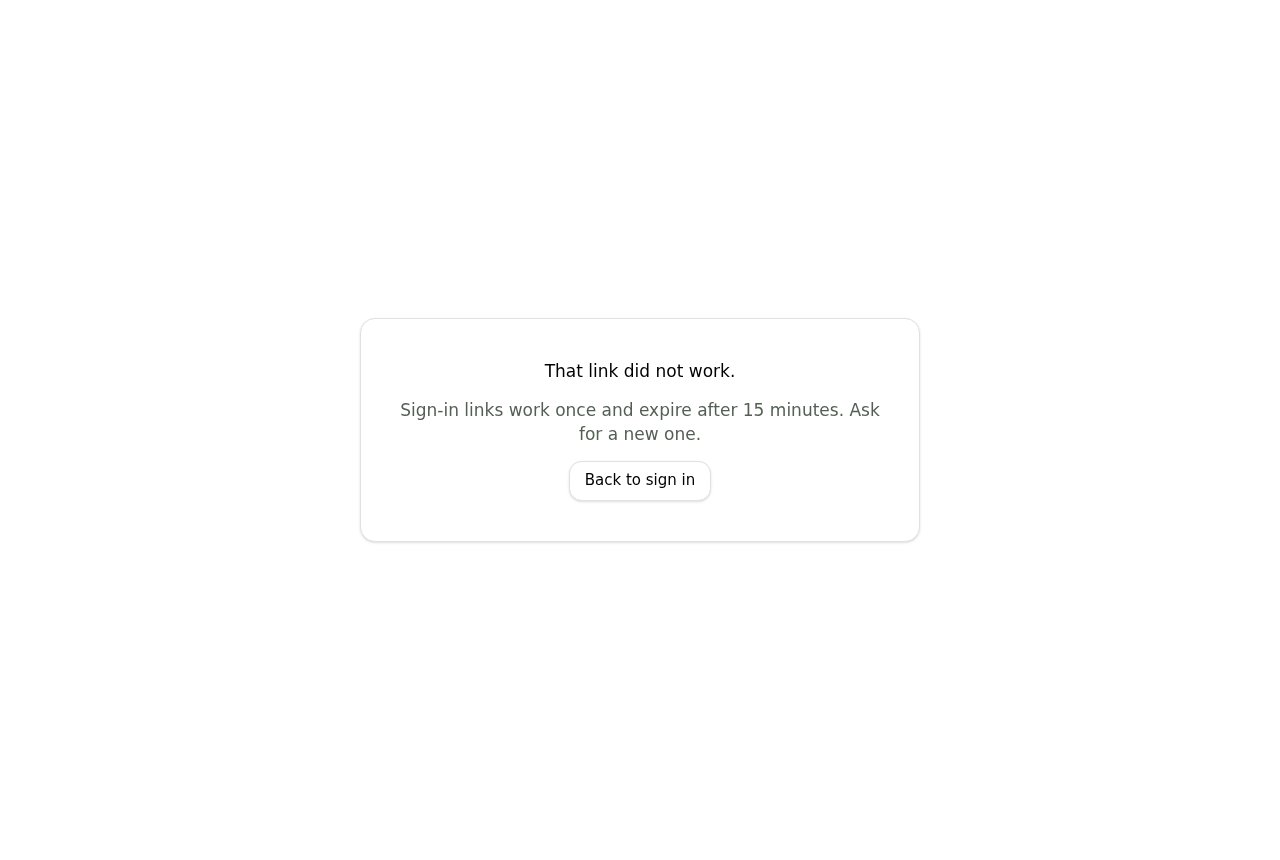 Both are normal. A link is spent the moment it succeeds, so following the same email twice — or
having a mail scanner follow it before you do — will produce this.
## Limits
Sign-in requests are rate limited per account and per network. The per-account limit answers with the
same neutral sentence as a success, so you will not be told you have hit it. The per-network limit
does say so:
> Too many sign-in requests from this address. Try again shortly.
## When it is not available at all
If your provider has not configured the panel to send mail, you get a real error rather than a link
that never comes:
> Sign-in by email is not available on this panel. Ask your account manager.
That is a deployment setting on their side, not something you can work around.
## Staying signed in
Your session is held in a cookie in the browser you signed in with, and **Sign out** in the top bar
ends it. Signing in on a phone does not sign you out on a desktop. If you use the portal from a
shared machine, sign out rather than closing the tab.
This documentation is built and hosted on [Mintlify](https://mintlify.com), a developer documentation platform.
Both are normal. A link is spent the moment it succeeds, so following the same email twice — or
having a mail scanner follow it before you do — will produce this.
## Limits
Sign-in requests are rate limited per account and per network. The per-account limit answers with the
same neutral sentence as a success, so you will not be told you have hit it. The per-network limit
does say so:
> Too many sign-in requests from this address. Try again shortly.
## When it is not available at all
If your provider has not configured the panel to send mail, you get a real error rather than a link
that never comes:
> Sign-in by email is not available on this panel. Ask your account manager.
That is a deployment setting on their side, not something you can work around.
## Staying signed in
Your session is held in a cookie in the browser you signed in with, and **Sign out** in the top bar
ends it. Signing in on a phone does not sign you out on a desktop. If you use the portal from a
shared machine, sign out rather than closing the tab.
This documentation is built and hosted on [Mintlify](https://mintlify.com), a developer documentation platform.