
The sidebar
Overview — the first screen
Overview — the first screen
Traffic, delivery and failures across the whole gateway, over 24 hours, 7 days or 30 days. Start
here in an incident; it is the only screen that answers “is anything wrong” without you having to
name the thing you suspect.See the dashboard.
Gateway — the things that carry traffic
Gateway — the things that carry traffic
Vendor and server are the two halves of the same idea, and mixing them up is the most common
early mistake — see connections.
Configuration — rules the gateway applies
Configuration — rules the gateway applies
Filters are reusable conditions that routing rules and tariffs both draw on. TLVs is the
catalogue of SMPP optional parameters, including ones your customers have proposed and you have not
yet approved.
Assets — what customers may send
Assets — what customers may send
Headers are sender IDs; Templates are approved wording. Both are the operator side of what
customers request in their portal, and both are only enforced where you have switched enforcement on.
Reports — what happened, and what it was worth
Reports — what happened, and what it was worth
The screens with no menu entry
Six screens exist that the sidebar never lists. They are reached from other screens, which is fine once you know and baffling until you do.Runtime and Live health answer different questions and are easy to confuse. Live health is what
is true right now — which vendors are bound, how deep the queues are. Runtime is whether the
software has room to keep working — memory, processor, file descriptors. A gateway can be perfectly
healthy on one and in trouble on the other.
Inside an account
Opening an account gives you seven tabs, and they are genuinely different subjects rather than sections of one page:
The header above the tabs shows either Balance or Limit, never both — prepaid accounts hold a
balance, postpaid accounts have a credit limit, and reading one as the other is the misreading that
costs money.
Signing in
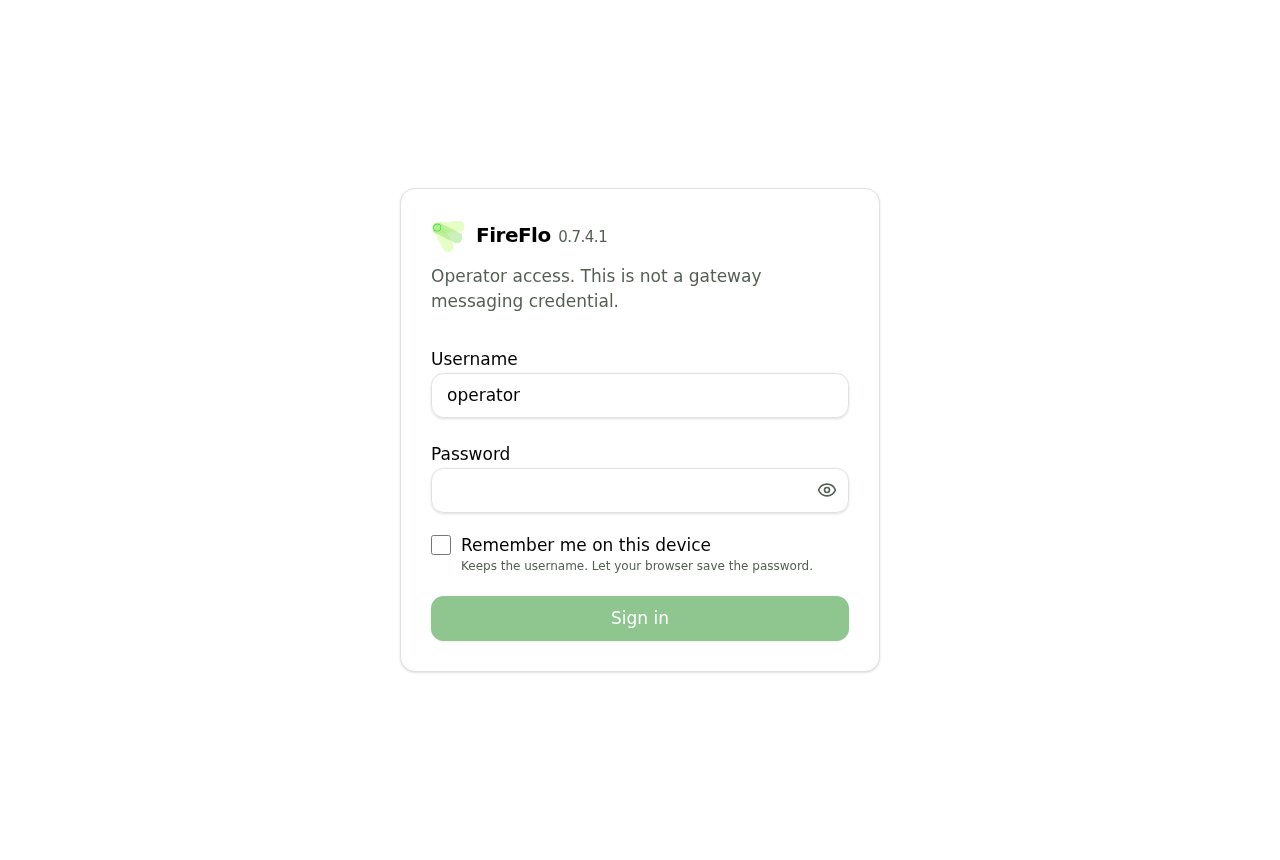
Operator sign-in. The version beside the wordmark is the panel's, and its first three numbers are the gateway release it pairs with.